
CSV File Repair for Data Merge in Adobe InDesign
Download link sent automatically to your email after payment.
When using the Data Merge feature in Adobe InDesign, CSV files prepared in other programs may not be read correctly.
Product description
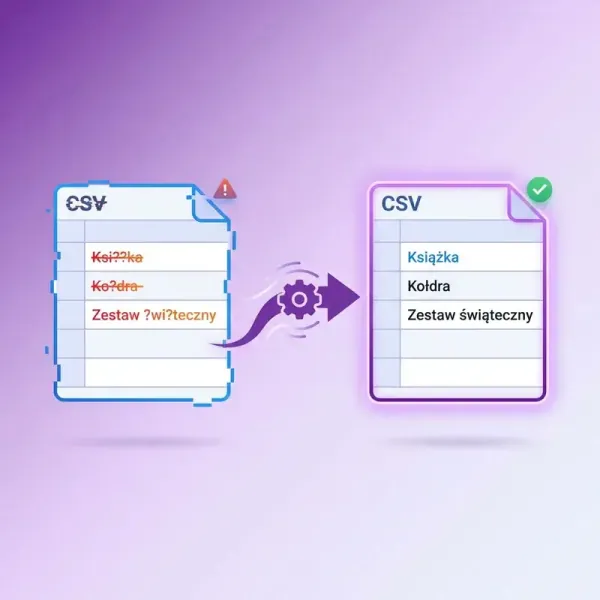
When working with the Data Merge feature in Adobe InDesign, it can happen that CSV files prepared in other programs are not read correctly. As a result, incorrect characters may appear in the document instead of letters with diacritics or other special characters.
This script automatically prepares the CSV file to be correctly interpreted by InDesign.
Once launched, simply specify the CSV file. The script will save its corrected version, allowing the data to be used seamlessly in Data Merge.
This solution is particularly useful in projects that involve multiple languages and special characters.
Key Features
- Improves CSV file compatibility with Data Merge in InDesign
- Eliminates issues with incorrectly displayed characters
- Works with CSV files generated by various programs
- Quickly prepares the file for use in your project
- Very easy to use – just specify the file
Common Applications
This script is useful when working with:
- Product catalogs
- Labels and product cards
- Publications generated by Data Merge
- CSV files exported from Excel, Google Sheets, or external systems