
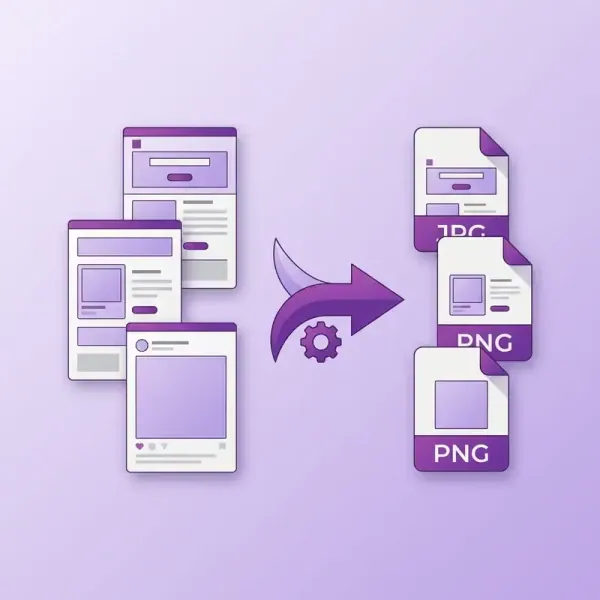
InDesign Automatic JPG/PNG Graphics Export
Download link sent automatically to your email after payment.
Exporting multiple graphics from Adobe InDesign often requires manually saving each page and naming it appropriately. For larger projects, this means hundreds of repetitive operations.
Product description
Exporting multiple graphics from an Adobe InDesign document often requires manually saving each page and assigning it the correct name. For larger projects, this results in hundreds of repetitive tasks.
This script automates the export of pages by utilizing text found in text frames marked with a selected paragraph style. The content of such a frame is read by the script and used as the base filename for the exported file from that page.
Once the script is initiated, you select the paragraph style that indicates the text frames containing the filename. The script searches the document for all pages containing such frames, reads their text, and utilizes it during the graphics export.
This allows you to easily prepare a large number of graphic files from a single document – for instance, sets of graphics for social media, advertising banners, product graphics, or materials for online publications.
Key Features
- Automatic filename generation based on text in the text frame marked with a selected paragraph style
- Searching the document for pages containing text frames with the selected style
- Exporting only those pages that contain the specified paragraph style
- Exporting to JPG or PNG formats
- Optional export of PNG with a transparent background
- Exporting multiple sizes simultaneously (X1, X2, X3, X4)
- Automatic creation of the project folder structure
- Ability to add graphic dimensions to the filename
- Optional omission of the document name in the exported filename
- Selection of the page range for export (all pages or a selected range)
- Detection of existing files before export and a warning about overwriting
- Optional hiding of the helper layer with the filename before export
- Progress window showing the export progress
- Remembering the user's last settings
Typical Uses
- The script is particularly useful when working on:
- Batch social media graphics
- Sets of advertising banners in various resolutions
- Product graphics exported from a single layout
- Presentation boards or slides exported as images
- Graphic assets for websites and applications
- Projects where the filename must be controlled directly from the layout
In practice, this means that the exported file name is saved directly in the text frame within the project, and the script automatically uses it during export.