
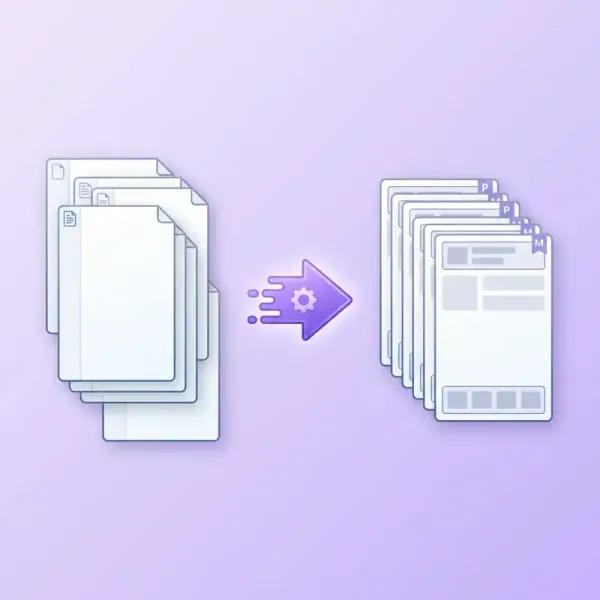
Automatic Parent Page Assignment for Adobe InDesign
Download link sent automatically to your email after payment.
This script allows for quick assignment of a selected Parent Page (Master Page) to multiple pages in an Adobe InDesign document. Instead of manually changing settings for each page, simply run the script and choose the appropriate options in the dialog box.
Product description
This script enables the quick assignment of a selected Parent Page (Master Page) to multiple pages in an Adobe InDesign document. Rather than manually adjusting settings for each page, you can simply run the script and select the desired options in the dialog box.
Upon execution, a panel appears where you can specify the Parent Page and determine which pages it should be applied to. The script operates on the entire document or only on selected pages.
This solution is particularly useful when working with multi-page publications where left and right pages have different layouts.
Key Features
- Select Parent Page from the document's master pages list
- Apply to:
- even pages
- odd pages
- all pages
- Option to start applying from a selected page
- Ability to apply only to selected pages
- Option to skip pages with manual modifications to Parent Page elements
- Fast operation even in documents with hundreds of pages
Applications
This script speeds up work on:
- books and multi-page publications
- product catalogs
- magazines
- reports and technical documents
- projects with different layouts for left and right pages